

Sitemaps
Sitemaps provide the platform with the URL structure of your website. Using the address of your sitemap (e.g. sitemap.xml or an index sitemap) the included pages are detected, counted and made available for selection in scan profiles.
You can maintain multiple sitemaps per project if your site is split into logical areas - but make sure the attribution is clear and avoid duplicates.
For very large sites we recommend an index sitemap that references topical child sitemaps.
Add a sitemap
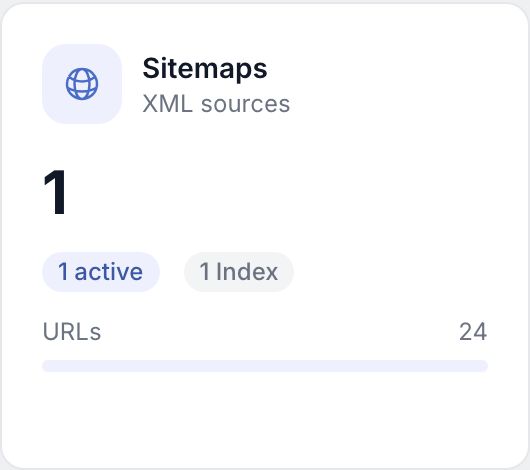
- Open the sitemap section in the matching project and enter the full URL to the sitemap.
- Save the entry; the automatic analysis then starts.
Automatic analysis
- The analysis detects the URLs contained in the sitemap and shows a URL count or structure overview.
- For invalid or unreachable sitemaps you receive hints in the UI (status, error message).
Index sitemaps and child sitemaps
- Index sitemaps reference further child sitemaps; these are included in the evaluation.
- The view shows you how the hierarchy is built so you can segment large sites more easily.
Duplicates
- Duplicate or already known sitemap URLs are detected so you don't maintain redundant entries.
- Reduce duplicates to keep things clear when configuring scan profiles and planning token usage.
Re-analyse
- Use the reload icon to start the analysis again, e.g. after a relaunch or changes to the sitemap file.
- Old results are replaced or updated by the new evaluation, depending on the product logic.
- You don't have to trigger the analysis by hand: a scan profile can reload the sitemaps immediately before every run, optionally narrowed down to specific path prefixes. See Scan profiles, section "Refresh the sitemap before a scan".
Troubleshooting
- HTTP errors (404, 403, timeout) - check the exact URL, firewall rules and whether the file is on the server.
- Invalid XML - validate the sitemap with an XML validator; typos in tags break the analysis.
- Sitemaps too large - split content into multiple sitemaps and use an index sitemap if you haven't already.
Quality of the URL list
- Remove outdated URLs from the sitemap in the source CMS so that scan profiles don't pick up stale pages unnecessarily.
- After staging tests the production sitemap should be re-analysed before you run productive scans.
- Parameter URLs and filter variants of the same page increase the volume - check whether your sitemap really only contains canonical entries.
Tips
- Make sure the sitemap is publicly reachable via HTTPS or allowed from your infrastructure.
- After structural changes to the site (new sections, lots of new URLs) always reload once and review the scan profiles.